# Erase
There are several ways to erase what you have written.
The “Eraser” is used when you don’t need to erase a full sentence, but just correct one part. It has a pretty small radius.

The “Bin” is used to delete everything written on a slide in one touch. Please note, this only applies to things written by the marker or the pencil.

If you have a list of several points, and you need to erase one of them, but you don't want to delete everything on the slide, we recommend using the sponge that is attached to the board in your studio.
.[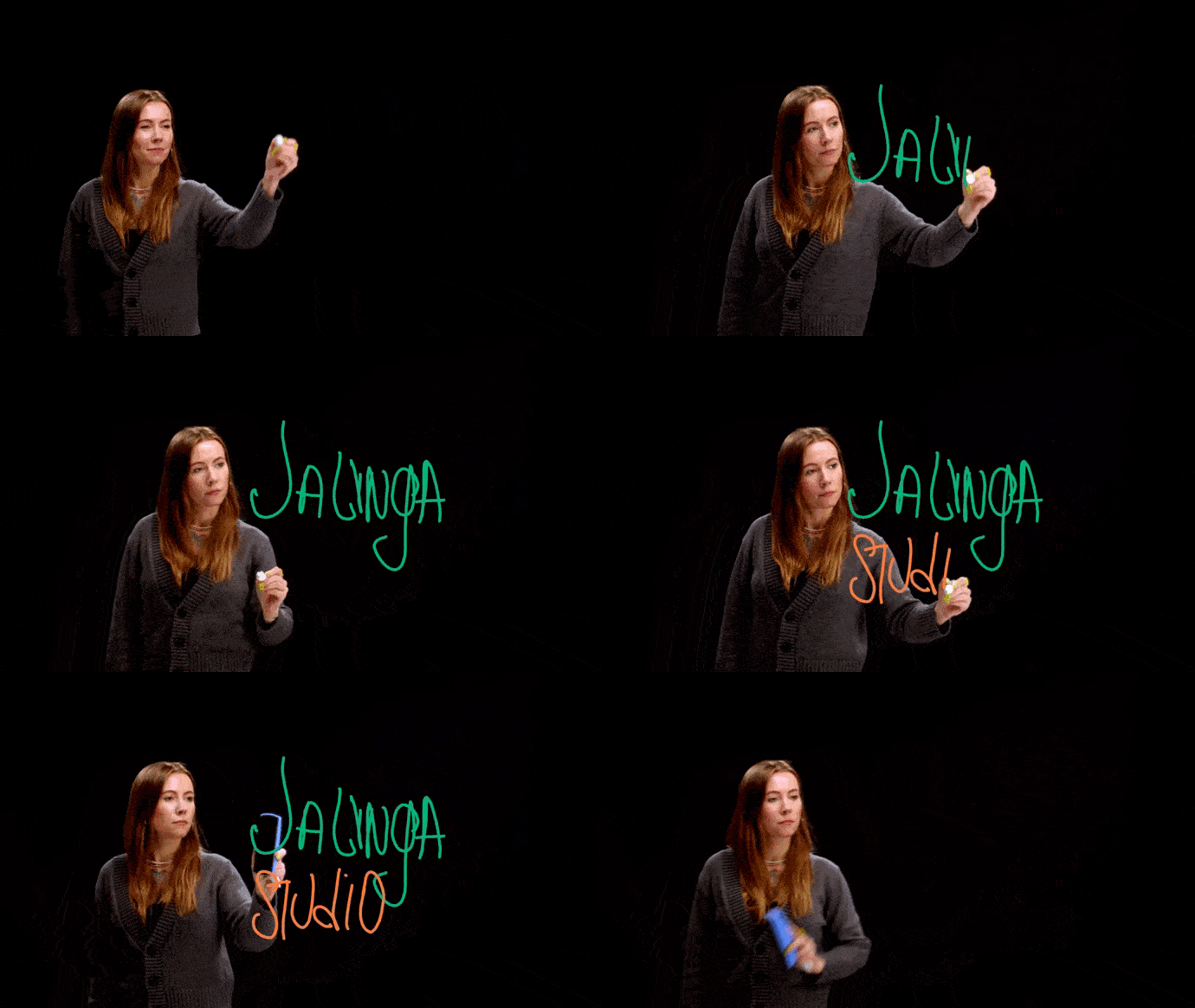](https://docs.jalinga.com/uploads/images/gallery/2023-04/ezgif-1-b3750d6620.gif)